
Global Settings. System Defaults
Before diving deeper, and ignoring trivial setup items, the main workflow items and global defaults
Bika Setup
Navigate to the LIMS setup from the gear icon at the top right of the screen
Only users authorised as labmanagers have access
For the global settings navigate to Setup

To enlarge images, open them in new tabs
Sampling tab

Also see Samples and Sampling
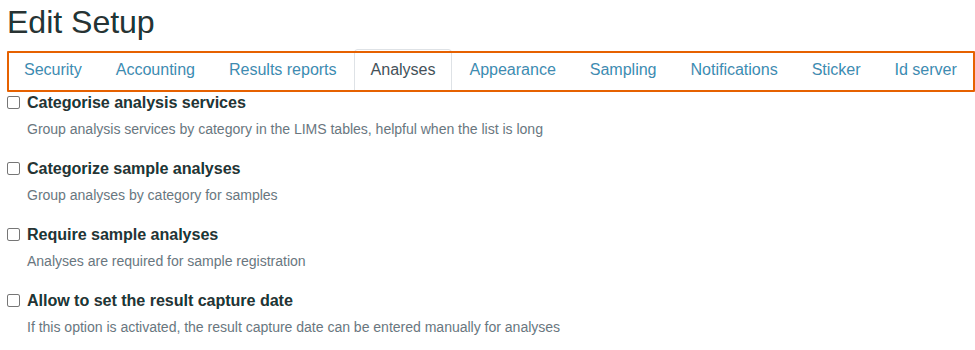
Analyses tab

Please see Analysis Service Setup
Sticker tab
Also see Receiving and labeling Samples
Decide when Sample labels should be printed, when their Analysis Requests are Created, or when the Samples are Received.
And which sticker templates to use and how many copies per print.
Worksheet management - Security tab
In busy labs, one wants to keep irrelevant data, infotoxin, out of the way of analysts. This can in some part be achieved by batching samples, and more granularly by hiding worksheets not of interest and give them access only to their own
Alternatively, restrict that privilege to lab managers only

ID Server tab
Also see the ID Server chapter
Accounts tab
Include and display pricing information - On if applicable. Commercial labs use this
Branding. Logos and favicon
Has its own chapter