
Removing or Adding Analyses from Samples
Used to give an 'Insufficient Permissionss' error - here's the workaround: Enable deletion of Analyses from Samples on their security tabs. It fixes adding Analyses too
When trying to remove Analyses from a Sample on it Manage Analyses tab, users get an Insufficient Privileges error messages. To work around this, an admin user needs to navigate to the Sample’s back end view and enable Delete permissions for it
Do so by adding /manage to the Sample’s URL, e.g ../clients/client-63/CLP24-0004/manage. You’’ll land on its /manage_main page
Click on the security tab
Ignore the security warning on this page and scroll down to Delete objects permissions. Select Lab Clerk, Lab Manager and Manager roles
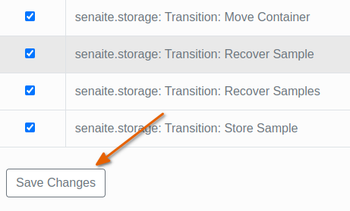
Don’t forget to press [Save] at the bottom of the page
Users will now be able to remove Analyses from the Sample